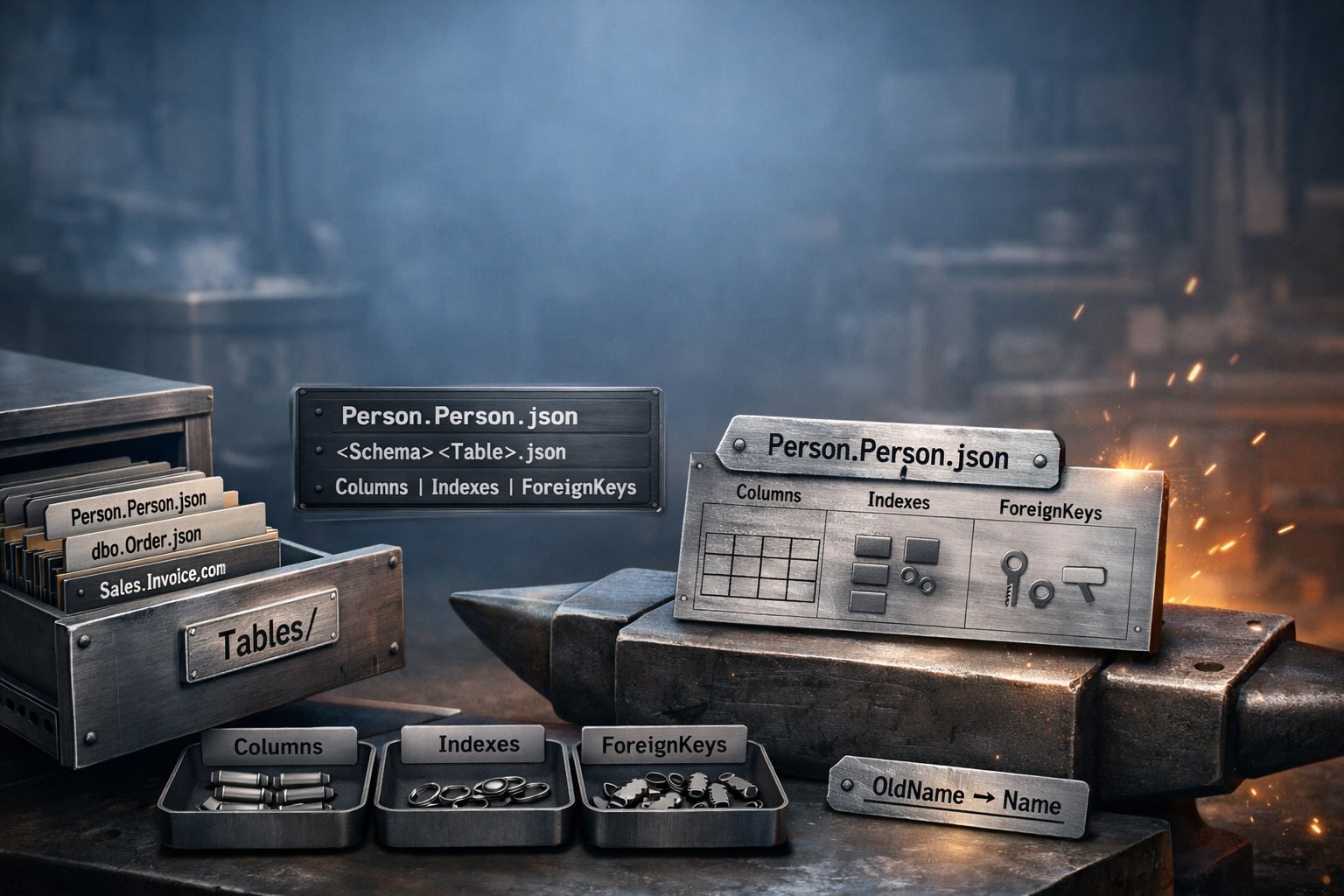
The daily rhythm of shaping a PostgreSQL schema with SchemaSmith. Add tables, modify columns, write functions, extract drift from a live database, and bootstrap new environments — all from one schema package.
Now it's time to give your database form.
Your team needs a promotions table to track discount campaigns. Here's what you do.
public.promotions.json to your package's Tables/ folder:
{
"Name": "promotions",
"Schema": "public",
"Columns": [
{
"Name": "promotion_id",
"DataType": "INTEGER GENERATED ALWAYS AS IDENTITY",
"Nullable": false
},
{
"Name": "promotion_name",
"DataType": "VARCHAR(100)",
"Nullable": false
},
{
"Name": "discount_percent",
"DataType": "NUMERIC(5,2)",
"Nullable": false,
"Default": "0"
},
{
"Name": "start_date",
"DataType": "DATE",
"Nullable": false
},
{
"Name": "end_date",
"DataType": "DATE",
"Nullable": true
},
{
"Name": "is_active",
"DataType": "BOOLEAN",
"Nullable": false,
"Default": "true"
}
],
"Indexes": [
{
"Name": "pk_promotions",
"PrimaryKey": true,
"Unique": true,
"IndexColumns": "promotion_id"
}
],
"CheckConstraints": [
{
"Name": "ck_promotions_discount_range",
"Expression": "discount_percent BETWEEN 0 AND 100"
}
]
}
SchemaQuench
SchemaQuench reads the JSON, sees that public.promotions doesn't exist in the target database, and generates a CREATE TABLE statement. One file. One command. Done.
Compare this to the traditional approach: write a CREATE TABLE script, write a migration file with a sequence number, make sure the sequence number doesn't collide with anyone else's, add an IF NOT EXISTS guard, add a corresponding rollback script, update a migrations tracking table. With SchemaSmith, you created one file and ran one command. No migration scripts. No dependency ordering. No collision worries.
The promotions table needs changes. Marketing wants a description field, the discount column needs more precision, and you need an index on the active flag for a dashboard query. All three edits happen in the same JSON file — you shape the table right where it lives.
Insert a new entry in the Columns array:
{
"Name": "description",
"DataType": "VARCHAR(500)",
"Nullable": true
}
Find the discount_percent column and edit its DataType:
"DataType": "NUMERIC(7,4)"
Add a new entry in the Indexes array:
{
"Name": "ix_promotions_is_active",
"IndexColumns": "is_active",
"FilterExpression": "is_active = true"
}
Preview the changes before touching the database. Run SchemaQuench in WhatIf mode:
SmithySettings_WhatIfONLY=true SchemaQuench
SchemaQuench generates the SQL it would execute — an ALTER TABLE ... ADD COLUMN for the new column, an ALTER TABLE ... ALTER COLUMN ... TYPE for the data type change, and a CREATE INDEX for the new filtered index — and logs it all without applying anything. Read the generated SQL, confirm it looks right, then run SchemaQuench normally to quench the changes into your database. Three changes to one file. One preview. One command. No scripts to write, number, or maintain.
Functions, procedures, views, triggers, and rules work differently from tables. Instead of JSON, they're plain .sql files. Each object gets its own file in the matching folder:
| Object type | Folder |
|---|---|
| Functions | Functions/ |
| Trigger functions | Trigger Functions/ |
| Procedures | Procedures/ |
| Views | Views/ |
| Triggers | Triggers/ |
| Rules | Rules/ |
Here's a PostgreSQL function that returns the order history for a customer. Create public.cust_order_hist.sql in the Functions/ folder:
CREATE OR REPLACE FUNCTION cust_order_hist(p_customer_id CHAR(5))
RETURNS TABLE(product_name VARCHAR, total NUMERIC) AS $$
SELECT p.product_name, SUM(od.quantity)::NUMERIC
FROM products p
JOIN order_details od ON p.product_id = od.product_id
JOIN orders o ON od.order_id = o.order_id
WHERE o.customer_id = p_customer_id
GROUP BY p.product_name;
$$ LANGUAGE sql;
The key detail: CREATE OR REPLACE. This is idempotent. It works whether the function exists or not. No DROP FUNCTION IF EXISTS guard. No separate create-vs-alter logic. SchemaQuench runs the script as-is, and PostgreSQL handles the rest.
Views work the same way. Drop this file into the Views/ folder:
CREATE OR REPLACE VIEW products_above_average_price AS
SELECT product_name, unit_price
FROM products
WHERE unit_price > (SELECT AVG(unit_price) FROM products);
Need to update an existing function? Edit the .sql file and quench. CREATE OR REPLACE takes care of whether it's new or changed. There's no separate "alter" workflow — you always declare the full object definition, and SchemaQuench applies it.
Someone changed the database directly. Maybe a DBA added a column in production during an incident. Maybe a developer used SSMS to tweak an index on staging. The database has drifted from the package.
SchemaTongs
SchemaTongs connects to the database, reads every table, function, procedure, view, and trigger — plus PostgreSQL extras like sequences, domain types, enum types, composite types, materialized views, exclude constraints, and rules — and writes the current definitions to the package files. Changed objects update in place. New objects get new files.
git diff:
$ git diff
--- a/Templates/Northwind/Tables/public.products.json
+++ b/Templates/Northwind/Tables/public.products.json
@@ -48,6 +48,12 @@
},
+ {
+ "Name": "backorder_threshold",
+ "DataType": "INTEGER",
+ "Nullable": true,
+ "Default": "10"
+ },
The diff reads like a sentence: "someone added a backorder_threshold column to the products table with a default of 10." Compare that to trying to figure out what changed by comparing two database snapshots or reading through audit logs. The drift is captured. The mystery is over.
Any Extensions metadata you had previously attached to tables is preserved through the round-trip. Data classification tags, ownership, retention policies — your sidecar data survives every re-extraction.
SchemaTongs does more than dump scripts to flat folders. When you cast your database schema, the tool brings real intelligence to the extraction — preserving organization, carrying custom metadata forward, detecting orphans, focusing extraction on what matters, validating scripts, and reconciling constraint style.
Organize scripts by domain — Tables/Sales/, Tables/HR/, Procedures/Reporting/. SchemaTongs preserves existing subfolder locations on re-extraction. New objects that haven't been organized go to the root folder.
Custom metadata attached to tables via the Extensions carrier — data classification, ownership, retention policies — is carried forward on every re-extraction. Your sidecar data survives as long as the underlying object stays.
When a database object is dropped, its script file becomes an orphan. SchemaTongs offers three modes:
| Mode | Behavior |
|---|---|
Detect | Logs orphans, no action. Default. |
DetectWithCleanupScripts | Logs orphans, generates cleanup scripts. |
DetectDeleteAndCleanup | Deletes files, generates cleanup scripts. |
Cast only what you care about. ShouldCast flags toggle whole object types on or off — Tables, Views, Functions, Procedures, TableTriggers, and PostgreSQL extras like DomainTypes, EnumTypes, CompositeTypes, Sequences, MaterializedViews, Aggregates, and Rules.
For a tighter scope, ObjectList restricts extraction to a named set of objects — a comma-separated list like public.customer, fn_get_orders. Focus a cast on your real surface without pulling every legacy table.
With ValidateScripts enabled, SchemaTongs checks each extracted script against the database to verify it parses correctly. Invalid scripts are saved with a .sqlerror extension instead of .sql, making them visible but excluded from deployment until you fix them.
Controls whether check constraints are extracted as column-level properties inside the table JSON or as table-level named constraints. The default is ColumnLevel. Set it once in Product.json — the style is locked to whatever the file specifies.
Some products need to create their target database from scratch. CI pipelines spin up fresh containers. Docker Compose environments start from nothing. New developers clone the repo and need a working database in one command. The Initialize template pattern handles all of these. Three pieces work together. Here's how the Northwind demo product sets it up on PostgreSQL.
Templates/Initialize/Template.json:
{
"Name": "Initialize",
"DatabaseIdentificationScript": "SELECT datname FROM pg_database WHERE datistemplate = false AND datname = 'TestMain' AND NOT EXISTS (SELECT 1 FROM pg_database WHERE datname = '{{NorthwindDb}}')"
}
The DatabaseIdentificationScript is the key. It returns a result only when the target database doesn't yet exist — it matches TestMain (the bootstrap database this demo connects to) but only when NorthwindDb is missing. On the first run, this template activates and creates the database. On every subsequent run, the script returns no rows, SchemaQuench skips the template entirely, and deployment proceeds straight to the main template.
Templates/Initialize/Before Scripts/Create Northwind [ALWAYS].sql:
CREATE DATABASE "{{NorthwindDb}}";
The [ALWAYS] marker tells SchemaQuench to run this script every time the Initialize template is active — no version tracking needed. PostgreSQL doesn't support IF NOT EXISTS on CREATE DATABASE, but that's fine: the template self-selects out of the deployment once the database exists, so this script only ever runs on a fresh server.
Product.json defines the template order.
{
"Name": "Northwind",
"Platform": "PostgreSQL",
"ValidationScript": "SELECT EXISTS(SELECT * FROM pg_database WHERE datname IN ('{{NorthwindDb}}', 'TestMain'))",
"TemplateOrder": [
"Initialize",
"Northwind"
],
"ScriptTokens": {
"NorthwindDb": "Northwind"
}
}
TemplateOrder ensures Initialize runs first. If the database doesn't exist, Initialize creates it, then the Northwind template deploys the full schema. If the database already exists, Initialize is skipped and Northwind deploys any pending changes. One docker compose up bootstraps everything from an empty server. Subsequent runs skip Initialize automatically and apply only schema changes. Fresh environment or existing environment, same command, same result.
Last reviewed May 2026 by the SchemaSmith Team.
That's how you shape your schema — adding tables, modifying columns, writing procedures, casting changes, and bootstrapping new environments. Clean, repeatable, no surprises. When you're ready to apply these declarations to a target database, SchemaQuench is the tool that computes and executes the DDL.