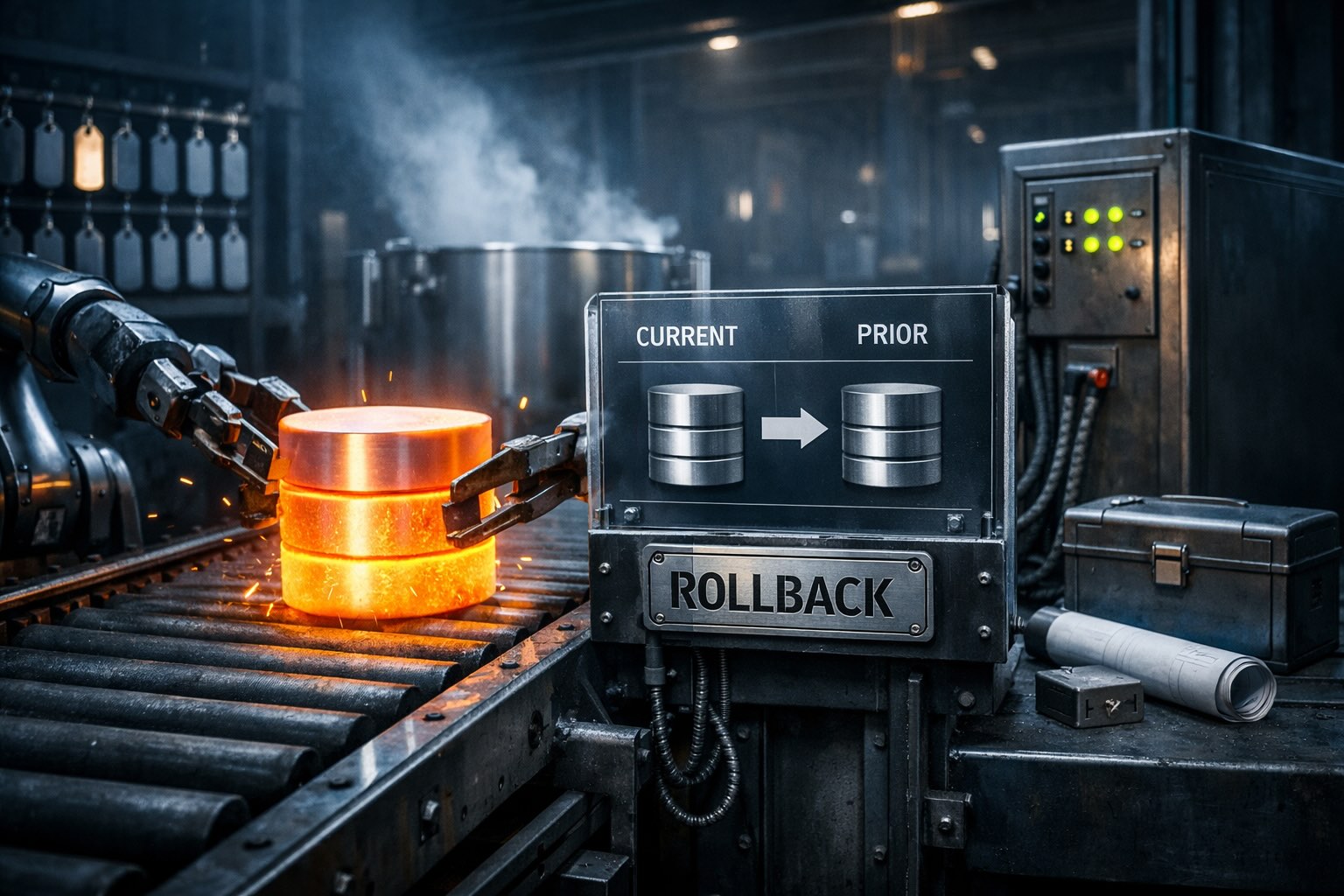
Deploy the prior release's schema package. SchemaQuench reverts every schema object automatically across SQL Server, PostgreSQL, and MySQL.
What if rolling back a database change was as simple as deploying the previous version?
With state-based deployments, rolling back is as simple as deploying the previous version. Deploy the prior release's schema package, and SchemaQuench computes the delta to bring the database back to that state. No rollback scripts. No pre-planned undo steps. The same tool that deploys forward also deploys backward, on SQL Server, PostgreSQL, and MySQL alike.
When you deploy a prior release's schema package, SchemaQuench automatically reverts all schema objects to match that state.
Stored procedures, functions, and views restore automatically because your schema package contains the full definition of every object. SchemaQuench simply reapplies the prior version. No manually maintained rollback scripts required.
SchemaSmith's rollback semantics are the same across platforms, but the individual DDL statements behave differently inside transactions:
PostgreSQL supports fully transactional DDL. Many migration patterns can be wrapped in BEGIN / COMMIT, and a failed statement rolls back the whole batch.
SQL Server supports transactional DDL for most statements, but some (like ALTER DATABASE) cannot participate in user transactions.
MySQL does not support transactional DDL. Each DDL statement is implicitly committed. A failed multi-statement deployment on MySQL cannot be rolled back by the engine itself — recovery means re-quenching the prior package.
Regardless of platform, rolling back with SchemaSmith means deploying the prior package. On MySQL especially, test rollbacks carefully because the engine won't unwind a half-applied deployment for you.
While schema structure reverts automatically, data preservation for destructive operations requires planning. SchemaSmith handles the schema; you handle the data when needed.
| Scenario | What you need |
|---|---|
| Dropping columns with data | If a column added in the newer release contains data you want to preserve, write a migration script to copy that data before SchemaQuench drops the column. |
| Restoring dropped columns | If the newer release dropped a column, SchemaSmith recreates the structure but the original data is gone. You need a backup or a migration script that preserved the data before the original drop. |
| Table drops with data | Tables removed from your product definition are dropped. Use migration scripts to preserve data before rollback. |
| Data transformations | Complex data migrations (splitting columns, merging tables) require migration scripts to transform data appropriately during rollback. |
Most rollbacks don't require migration scripts. Data preservation is only needed when rolling back involves data loss — either from columns added in the newer release, or when restoring data that was dropped. The declarative model handles structure; you handle data when the operation is destructive.
set SmithySettings_WhatIfONLY=true
SchemaQuench
SmithySettings_WhatIfONLY=true SchemaQuench
SchemaQuench
For significant rollbacks, take a database backup first. This gives you a safety net if you discover unexpected data dependencies after the rollback completes. Especially important on MySQL, where the engine can't unwind partial DDL on its own.
If your production config has DropTablesRemovedFromProduct: false (the recommended production posture for rollback-friendly deployments), rolling back to a prior package won't drop tables that only exist in the newer release. That's usually what you want — the tables stay around until you're sure the rollback is permanent, then you can clean them up explicitly. See SchemaQuench for the property reference on your platform.
Never roll back production without running WhatIf mode and reading every line of the generated SQL. The same discipline that applies to forward deployments applies to rollbacks.
Keep tagged releases of your product definition in source control. This makes it trivial to retrieve any prior version for rollback — git checkout v1.4.2 (or your VCS equivalent) and you have everything you need.
When adding columns or tables that will contain important data, document whether rollback requires data preservation scripts. Include this in your release notes.
Practice rollback procedures in dev or staging. When you need to roll back production, you'll already know the process works.
Rollback is the safety net that makes forward progress possible. Know you can go back, move forward with confidence.
Last reviewed May 2026 by the SchemaSmith Team.