Core Concepts
SchemaSmith organizes database schema as declarative packages that deploy predictably. Explore the concepts that make schema version control possible.
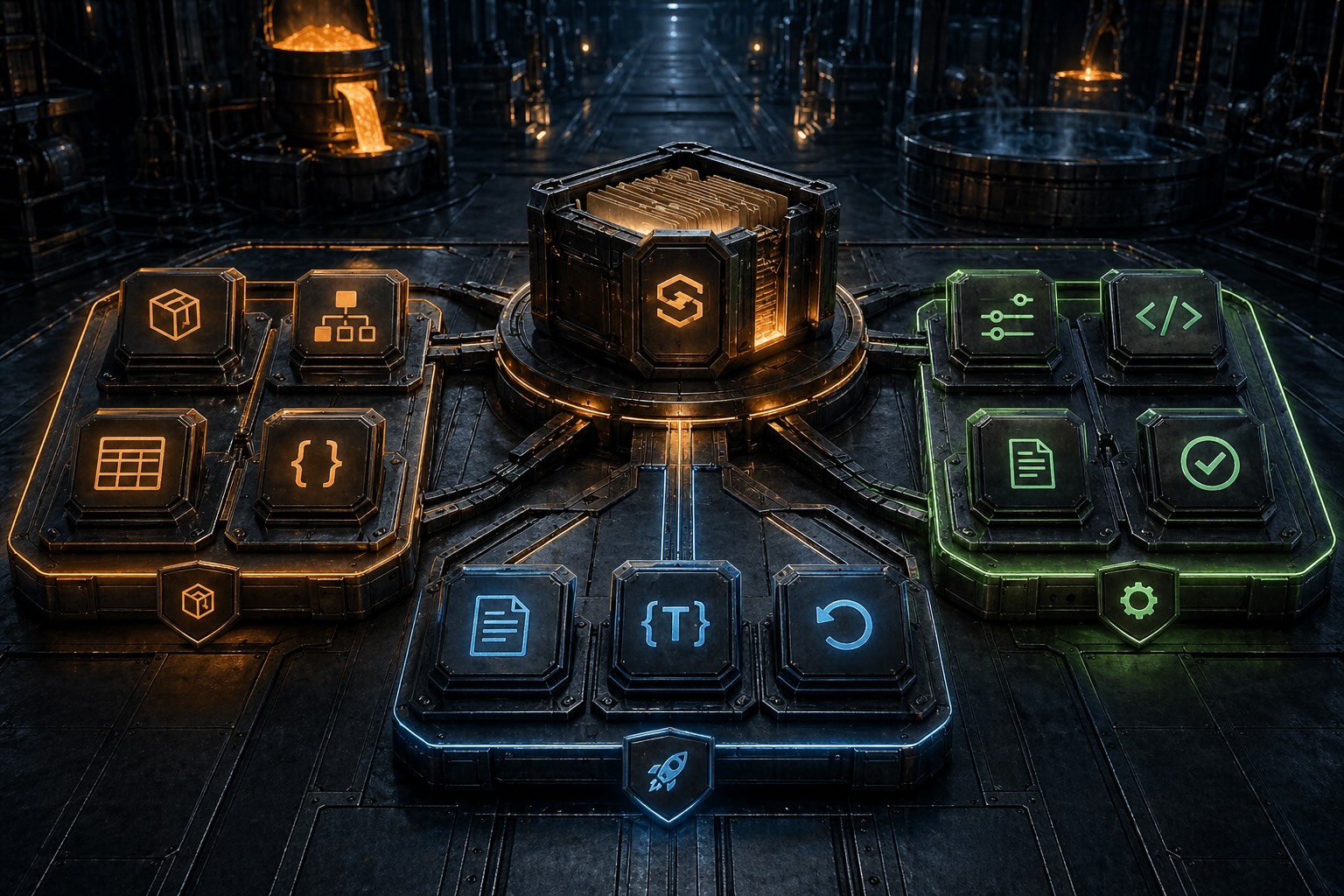
SchemaSmith organizes database schema as declarative packages that deploy predictably. Explore the concepts that make schema version control possible.
SchemaSmith centers on one artifact: the schema package. A package is a folder (or zip file) containing everything needed to version, validate, and deploy schema changes across every supported engine. Inside that package lives a declarative model — tables expressed as JSON, migration scripts organized by execution slot, configuration that controls deployment behavior, and script tokens that inject environment-specific values at deploy time.
The concepts here cluster into three natural axes. First is what you declare: schema packages (the container), products (deployment units inside the package), templates (reusable schema definitions), tables (the JSON-based table model), and custom properties (your own metadata, carried in an open Extensions bag). Second is how it deploys: migration scripts with slot-based ordering, script tokens for dynamic substitution, conditional application that scopes components per target, and multi-tenant fan-out across databases or schemas. Third is how it's configured and recovered: configuration loading order (CLI switches, environment variables, settings files), logging and exit codes (structured output for CI integration), drop control that governs what leaves the database when an object is removed from the product, the recyclebin (a recoverable holding area for dropped tables), and rollback mechanics for re-deploying an earlier release when you decide one is needed.
A reading path for newcomers: schema packages → products & templates → defining tables → custom properties → script tokens → conditional application → configuration → migration scripts → multi-tenant deployments → drop control → recyclebin → logging → rollback & recovery. Start with the structure (what's in a package), then the schema model (how tables and metadata are declared), then the deployment mechanics (scripts, tokens, conditional and multi-tenant delivery), then operations and recovery (configuration, logging, drop control, and rollback). Rollback comes last because it's the recovery lens on concepts you've already learned.
Each concept has its own deep-dive reference page. Pick by topic or follow the recommended reading order.
The folder and zip organization of a schema package. What each directory contains, how the package travels through source control and deployment, and how it's portable across platforms.
What a Product is (a deployment unit inside a package) and what a Template is (a reusable schema definition). How they relate to each other and how they compose within the package structure.
Sequences, enum and domain types, and scheduled events declared as JSON instead of scripted. Where each one’s convergence stops, and why the engine draws the line there.
Fan one schema package out to every tenant — database-per-tenant or schema-per-tenant — from a single quench. Schema templates, the {{SchemaName}} token, tenant onboarding, and region-rotated rosters.
How to declare tables in the JSON schema format. Columns, indexes, foreign keys, constraints, and extensions — the declarative model that version-controls your schema.
Attach your own metadata to tables, columns, and indexes through the open Extensions bag. It survives re-extraction, travels in source control, and drives deployment decisions as script tokens.
Declare a table's reference data once — source rows, merge behavior, key columns — and let SchemaQuench merge it in foreign-key order across every platform.
The {{Token}} substitution system for environment-specific values. How tokens are defined, resolved at deploy time, and used inside SQL scripts for dynamic configuration.
ShouldApplyExpression scopes schema components to specific databases, environments, or server versions. One file, many targets, no per-environment branching.
One config spine across all three tools: CLI switches, settings files, environment variables, connection configuration. Override rules and precedence for multi-environment deployments.
Run-once vs. run-every-deploy script tracking. Slot ordering (Before, Objects, AfterTablesObjects, After) and how scripts execute in dependency order across releases.
Partial-package deployments that run migration scripts only — backfills, compliance scrubs, emergency repairs — without touching table structure or tracking state.
Log file location, structured log format for parsing, and exit codes for CI integration. How to monitor deployments and automate downstream workflows based on outcomes.
Decide what SchemaQuench removes when an object leaves the product. Drop flags compose across a tiered cascade — a higher-tier false is a hard guardrail no lower tier can override.
Make dropped tables recoverable. Install the CustomTableDrop / CustomTableRestore hooks and a removed table moves to a retention-managed holding area instead of being destroyed.
Recovering from a schema release. Declarative rollback declarations let you re-deploy a previous release when you decide one is needed — rolling back is always your call, never automatic.
Free schema-as-code for SQL Server, PostgreSQL, MySQL, and MariaDB.
The source is on GitHub for anyone to read.
Get Started on GitHub