SchemaSmith Documentation
Migration Scripts - SQL Server (Enterprise)

Use "before/after" slots for exceptional changes without breaking state-based automation.

Migration Scripts

Overview

While SchemaQuench can automate much of the updating process, there will always be edge cases that it cannot support in an automated fashion. Changing a column to non-nullable without a default is an example. You need a way to update any null values before changing the schema.

Migration scripts provide a way to make those types of changes both before and after the schema changes are applied. This allows domain-specific logic to control aspects of the update that cannot be automated without intimate knowledge of your system.

Product-Level Migration Scripts

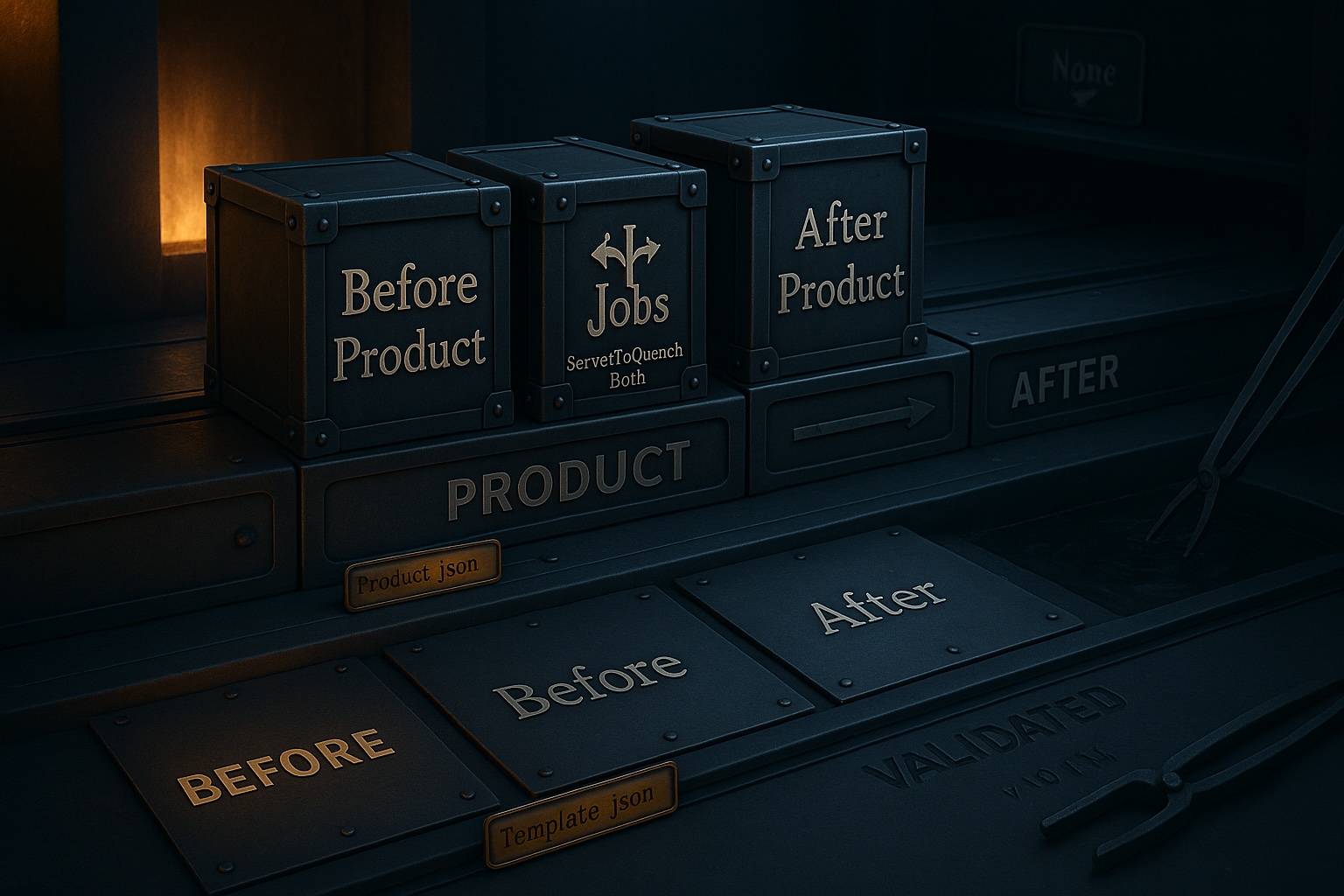
Product-level migration scripts run in one of two slots: Before or After the product is updated. When a product-level script folder is defined, it allows indicating if the scripts within the folder should be run on the Primary, Secondary, or Both server roles.

These scripts would typically be used to add things like logins or jobs, manage permissions, or validate server configurations.

Tip

By default, product-level scripts run in the context of the master database.

Tip

Product-level scripts always run on every execution. There is no table for tracking past usage.

Template-Level Migration Scripts

Template-level migration scripts run in the context of each target database. Scripts live in folders mapped to quench slots via the script folder configuration. The default folders are MigrationScripts/Before and MigrationScripts/After.

Scripts execute in alphabetical order by full file path. Prefix filenames with a date or sequence number to control execution order:

Before Scripts

Run after object scripts and query token resolution, before table structure changes.

  • Transform data before columns are altered or dropped
  • Insert seed rows for new NOT NULL columns
  • Any logic requiring the old table structure
After Scripts

Run after all table changes, triggers, data delivery, and table data scripts.

  • Post-deployment validation queries
  • Grant permissions on new objects
  • Cleanup depending on final schema state

The [ALWAYS] Suffix

By default, a migration script runs once and is recorded in the SchemaSmith.CompletedMigrationScripts tracking table. Append [ALWAYS] to the filename (before .sql) to make it run on every quench. [ALWAYS] scripts are never recorded in the tracking table.

GrantPermissions[ALWAYS].sql
RefreshMaterializedView[ALWAYS].sql

Execution Tracking

SchemaQuench creates a SchemaSmith.CompletedMigrationScripts table in each target database during the kindling step. Before executing a non-[ALWAYS] script, it checks this table. If a matching row exists, the script is skipped.

Column Type Description
ScriptPathVARCHAR(800)Relative path from the template root
ProductNameVARCHAR(100)Product name from Product.json
QuenchSlotVARCHAR(30)Slot the script ran in
QuenchDateDATETIMETimestamp of last execution

Forcing Re-execution

Delete the tracking row to force a script to run again:

DELETE FROM SchemaSmith.CompletedMigrationScripts
WHERE ScriptPath = 'MigrationScripts/Before/001_Backfill.sql'
  AND ProductName = 'MyProduct';

Automatic Cleanup

When a migration script file is removed from the schema package, SchemaQuench automatically deletes its row from the tracking table during the next quench. This prevents stale entries from accumulating.

Batch Splitting

Migration scripts are split into batches by GO statements before execution. The GO keyword must appear on its own line (leading and trailing whitespace is permitted) and is case-insensitive.

-- Batch 1
CREATE TABLE dbo.Staging (Id INT PRIMARY KEY, Value NVARCHAR(100));
GO

-- Batch 2
INSERT INTO dbo.Staging (Id, Value) VALUES (1, 'Initial');
GO

Each batch executes as a separate command. If a batch fails, remaining batches in that script are skipped and the quench halts with an error.

Context-Aware Parsing

The batch splitter is aware of SQL strings, comments, and bracket-delimited identifiers. A GO inside a string literal ('... GO ...'), block comment (/* GO */), line comment (-- GO), or bracketed identifier ([GO]) is not treated as a batch separator.

Idempotency

Even though the tracking table prevents accidental re-execution, write migration scripts defensively. Database restores, manual re-runs, and checkpoint recovery can all cause a script to execute against data that was already transformed.

  • Use IF NOT EXISTS checks before CREATE statements
  • Use IF EXISTS checks before DROP statements
  • Use MERGE or IF NOT EXISTS before INSERT statements
  • Wrap data transformations in checks that verify the transformation has not already been applied
[ALWAYS] scripts must be fully idempotent. They run on every quench by design, so they must produce the correct result regardless of how many times they have previously executed.

RunScriptsTwice

The RunScriptsTwice configuration option (set in appsettings.json) causes eligible scripts to execute a second time within the same quench run. This is designed for CI pipelines in non-production environments to surface idempotency issues early, before they reach production.

Which scripts are affected?

  • [ALWAYS] migration scripts in the Before, BetweenTablesAndKeys, AfterTablesScripts, and After slots execute a second time
  • Object scripts in the Objects, AfterTablesObjects, and TableData slots run each batch twice to help resolve circular dependencies
Normal (non-[ALWAYS]) migration scripts are not affected by this setting. They still execute only once per quench, governed by the tracking table.

Configuration

{
  "SmithySettings": {
    "RunScriptsTwice": true
  }
}

Default: false. Can also be set via environment variable: SmithySettings_RunScriptsTwice.

Related Documentation