SchemaSmith Documentation
Checkpointing - PostgreSQL (Enterprise)
Resume interrupted deployments from the last successful point.
Resume interrupted deployments from the last successful point.
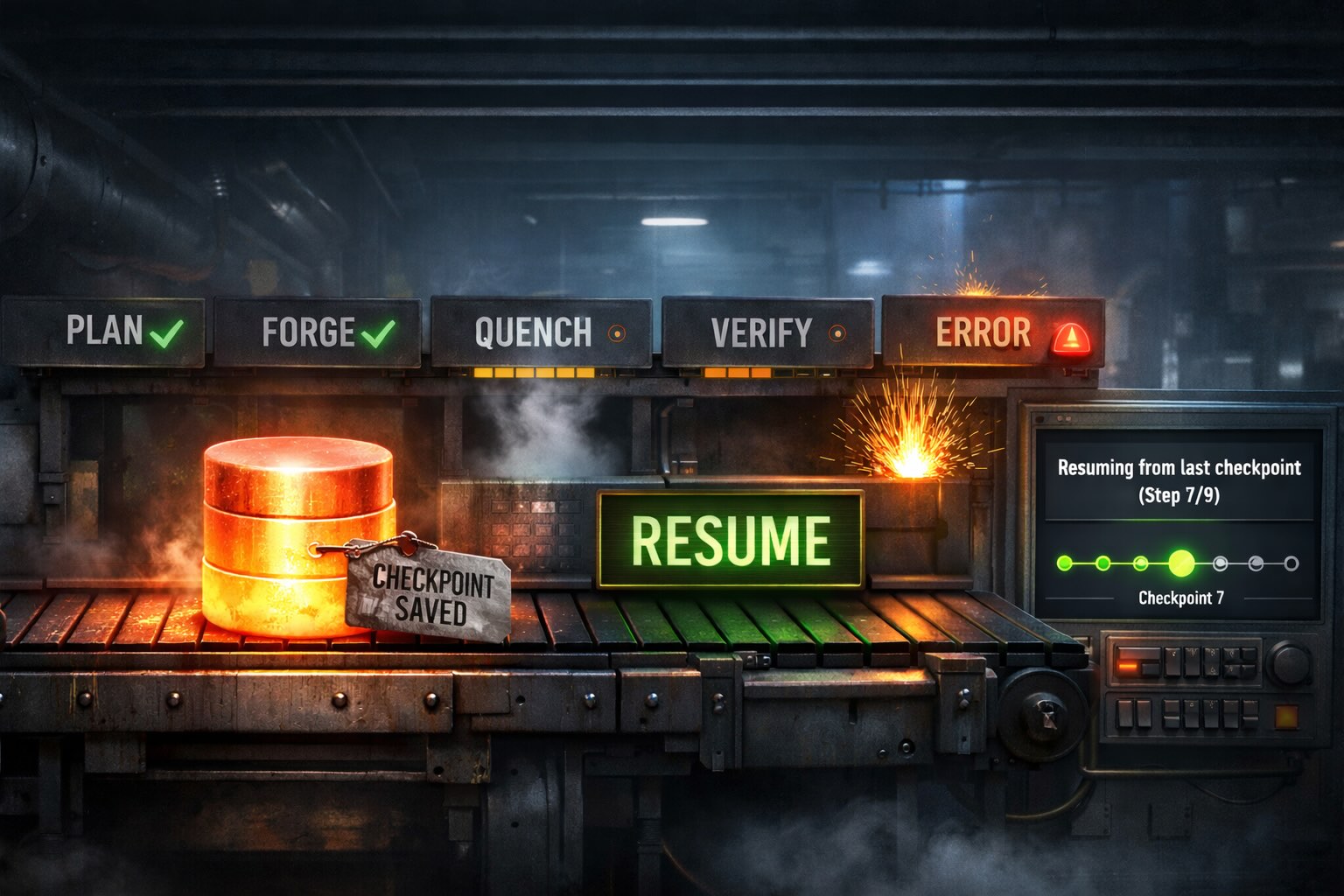
SchemaQuench saves progress to checkpoint files automatically during every quench operation. If the quench fails partway through (due to a bad script, a permissions issue, a network interruption, or any other error) you can resume from where it left off rather than re-executing everything from scratch.
Checkpoints are saved after each major step completes and also when a failure occurs, so whatever progress was made before the failure is preserved. The only decision you make is whether to resume from a previous checkpoint or start fresh.
Checkpoint files are plain text and human-readable. You can inspect them in any text editor to see exactly what completed, or edit them to control what runs next. This achieves fault tolerance similar to imperative migration tools that track applied scripts in a database table, while SchemaSmith remains fully declarative.
The CheckpointDirectory setting controls where checkpoint files are written.
The directory is created automatically if it does not exist.
| Priority | Source | Example |
|---|---|---|
| 1 (highest) | Command line | --CheckpointDirectory:/opt/checkpoints |
| 2 | appsettings.json |
"CheckpointDirectory": "/opt/checkpoints" |
| 3 | --LogPath command line |
The LogPath switch value |
| 4 (default) | Tool executable directory | Where SchemaQuench is installed |
{
  "CheckpointDirectory": "/opt/quench/checkpoints"
}
To resume from the last checkpoint, pass the --ResumeQuench flag on the command line:
> SchemaQuench --ResumeQuenchWhen this flag is present, SchemaQuench loads existing checkpoint files and skips all previously completed work. Execution picks up at the point of failure. The flag works alongside all other SchemaQuench options:
> SchemaQuench --ResumeQuench --ConfigFile:production.json
Without --ResumeQuench: Any existing checkpoint files for the
product are deleted before the quench begins. The quench starts completely fresh.
Characters that are invalid in file names (\ / : * ? " < > |) are replaced
with underscores in checkpoint file names. For example, a server named
pg/instance01 produces checkpoint files with pg_instance01 in the name.
Checkpointing operates at two levels: product-level and database-level. Each level tracks different aspects of the quench process. Both types of checkpoint files are saved to disk after each major step completes.
Filename: {ProductName}.product.checkpoint
Tracks high-level progress across the entire product:
Filename: {ProductName}.{Template}.{Server}.{Database}.checkpoint
Tracks granular progress within each database:
--ResumeQuench.
Look for log messages like "Resuming from checkpoint" and
"Skipping template 'X' (previously completed per checkpoint)" to confirm
resume behavior.
Checkpoint files use a human-readable text format with section headers. You can open them in any text editor to inspect progress or make manual modifications.
# SchemaQuench Product Checkpoint
# Product: MyProduct
# Started: 2026-01-15 10:30:45

[Before Product Scripts - pgserver01.example.com]
Scripts/Before/001-PrepareEnvironment.sql

[Completed Templates]
CoreDatabase
ReportingDatabase

[After Product Scripts - pgserver01.example.com]
# SchemaQuench Database Checkpoint
# Product: MyProduct
# Template: CoreDatabase
# Server: pgserver01.example.com
# Database: appdb
# Started: 2026-01-15 10:31:00
[Completed Steps]
KindleForge
ValidateBaseline
MissingTablesAndColumns
[Before Scripts]
Before Scripts/001-AddNewColumn.sql
[Object Scripts]
Procedures/get_customers.sql
Functions/calculate_total.sql
[After Tables Object Scripts]
[Between Tables And Keys Scripts]
[After Table Scripts]
[Table Data Scripts]
[After Scripts]Because checkpoint files are plain text, you can inspect and edit them directly to control what gets executed on the next resume run.
Remove a line from the checkpoint file to force that step, script, or template to
re-execute on the next resume. Remove a step from [Completed Steps],
a script path from its slot section, or a template name from [Completed Templates].
Add a script's path to the appropriate slot section to mark it as "already done." Useful when a script is broken and cannot be fixed immediately, or when you manually applied a script during troubleshooting.
Delete just that database's checkpoint file (e.g.,
MyProduct.CoreDatabase.pgserver01_example_com.appdb.checkpoint). That database starts
fresh on resume while other databases retain their progress.
Delete all checkpoint files for the product, or simply run SchemaQuench without
--ResumeQuench (which deletes them automatically before starting).
| Limitation | Detail |
|---|---|
| Step-level granularity | Checkpoints track discrete steps, not partial progress within a step. If the "ModifiedTables" step fails after modifying 5 of 10 tables, the entire step re-executes on resume. Step-level operations are designed to be safely re-runnable. |
| Path-based script tracking | Each completed script is recorded by its file path. If you rename a script file between the failed run and the resume, the old path appears in the checkpoint but the new path does not, so the script executes again under its new name. |
| On-disk only | Checkpoint state is not stored in the target database. The checkpoint files must be accessible on the file system where SchemaQuench runs. |
| Package changes between runs | If you modify the schema package between the failed run and the resume, the checkpoint may skip steps that would have behaved differently with the updated package. For the safest resume, re-run the exact same package version that originally failed. |
| Temporary tables on resume | Some steps (Modified Tables, Indexes and Constraints, Foreign Keys) rely on temporary tables created by ParseTableJson. If a resume starts at one of these steps, SchemaQuench automatically re-parses the table JSON to recreate the temporary tables. |
| WhatIf mode | Checkpoints are respected in WhatIf mode (WhatIfONLY=true). Previously completed steps and scripts are reported as "Would SKIP" in the log output, giving you a preview of what a resumed quench would do. |