Control where scripts live and when SchemaQuench runs them during deployments.
Script folders are the configurable mappings between filesystem directories and quench
execution slots. Each folder definition pairs a FolderPath (where to find
.sql files) with a QuenchSlot (when to run them during the
quench pipeline).
Products and templates each define their own script folders. Product folders run globally (before or after all templates), while template folders run per-database within each template's quench. When no custom folders are defined, SchemaQuench uses a set of defaults.
A sample product script folder setting may be something like this added to your product.json:
{
"ScriptFolders": [
{ "FolderPath": "Before Product", "QuenchSlot": "Before" },
{ "FolderPath": "Jobs", "QuenchSlot": "After" },
{ "FolderPath": "After Product", "QuenchSlot": "After" }
]
}
FolderPath: Relative path from the product.json file where the scripts reside.QuenchSlot: Either Before or After, allowing scripts to run prior to or following the template quenches.A sample template script folder setup may be something like this added to your template.json:
{
"ScriptFolders": [
{ "FolderPath": "Before Scripts", "QuenchSlot": "Before" },
{ "FolderPath": "Functions", "QuenchSlot": "Objects" },
{ "FolderPath": "Procedures", "QuenchSlot": "Objects" },
{ "FolderPath": "Views", "QuenchSlot": "AfterTablesObjects" },
{ "FolderPath": "Triggers", "QuenchSlot": "AfterTablesObjects" },
{ "FolderPath": "After Scripts", "QuenchSlot": "After" }
]
}
FolderPath: Relative path from the template.json file to the relevant script folder.QuenchSlot: Determines when scripts run during the quench. See Quench Slot Reference below for all valid values and timing details.
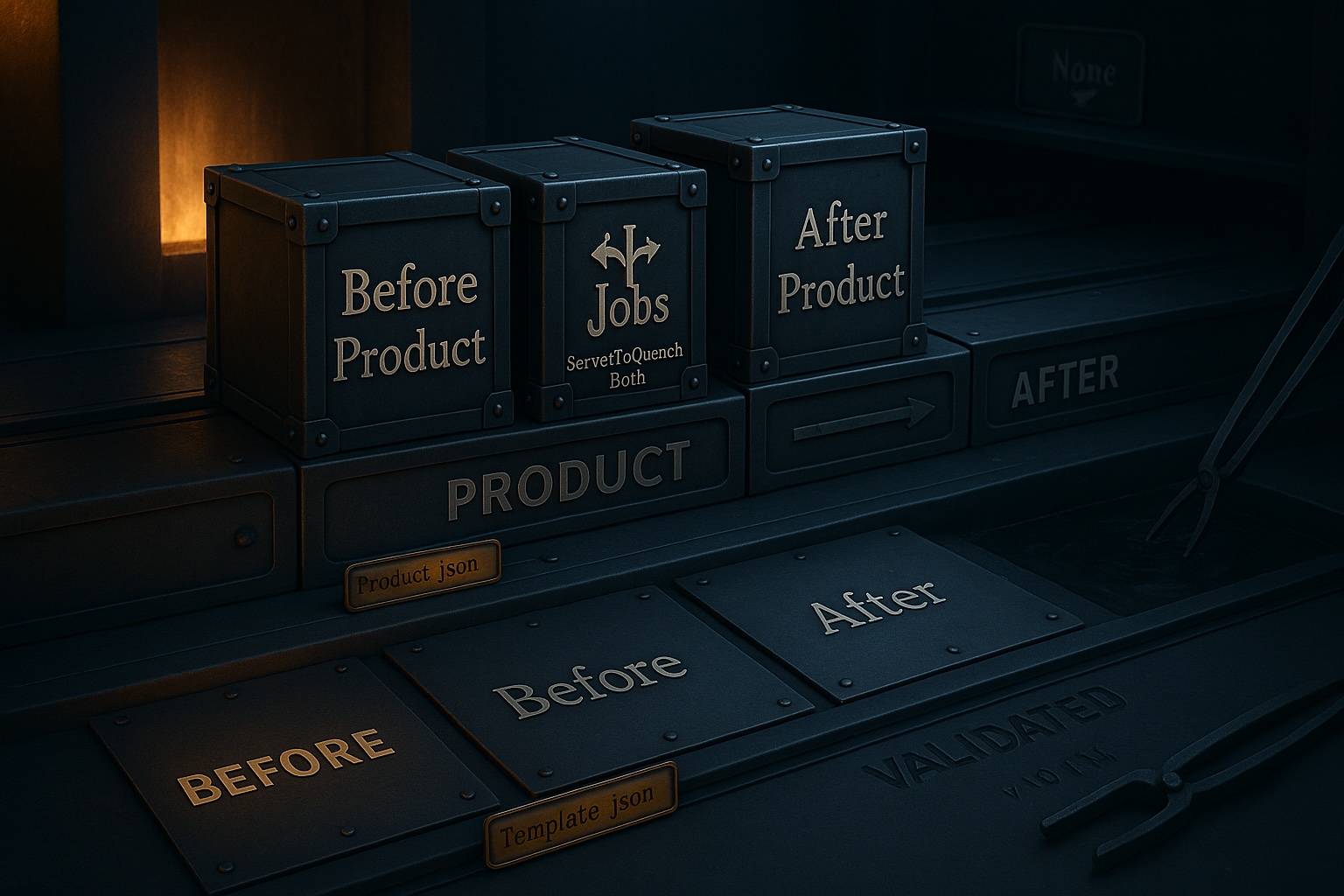
The None Quench Slot is included simply to have the folder present in
SchemaHammer, but it will not be executed by SchemaQuench unless they are specified in a
QueryToken.
The order the folders are declared is the order they will be processed within their
respective slots. In other words, if in the example above you moved Functions
above Before Scripts, the order processed would still be
Before Scripts, Functions, Procedures and so on.
Every script folder must be assigned to one of the following quench slots. Slots execute in the fixed order listed here during each template's quench.
| Slot | When It Runs | Execution |
|---|---|---|
Before |
After first-pass object scripts and query token resolution, before table structure changes. Use for migration scripts that must prepare the database before SchemaQuench applies table DDL. | Sequential |
Objects |
For schema objects: functions, procedures, and events. Failed scripts are automatically retried alongside AfterTablesObjects in the post-table pass. |
Retry Loop |
BetweenTablesAndKeys |
After table structure changes (column additions, modifications, removals) but before index and constraint creation. Use for scripts that need the new column layout but must run before foreign keys or indexes. | Sequential |
AfterTablesScripts |
After index and constraint creation. Use for post-table scripts that depend on the finalized table structure including all keys and indexes. | Sequential |
AfterTablesObjects |
For triggers and views. Also retries any Objects-slot scripts that failed during the pre-table pass, so object scripts that depend on table columns succeed automatically after table DDL is applied. |
Retry Loop |
TableData |
After data delivery. Allows scripts with circular foreign key relationships to be applied incrementally. | Retry Loop |
After |
Final scripts, running after everything else in the template. Use for post-deployment migration scripts or cleanup operations. | Sequential |
None |
Scripts are loaded but never executed. Use for reference-only SQL files stored within the template directory structure. | Disabled |
In retry-loop slots (Objects, AfterTablesObjects, TableData),
scripts execute in rounds. Each round attempts all unfinished scripts. The loop continues until every script
succeeds or a full round makes no progress. This resolves creation-order dependencies automatically.
Within a slot, scripts execute in alphabetical order by full file path. If multiple folders share the same slot, their scripts are merged and sorted together. Folder declaration order does not affect execution order.