DevOps Guide

CI/CD Integration Guide

Automate database schema deployments with SchemaSmith CLI in your existing pipelines.

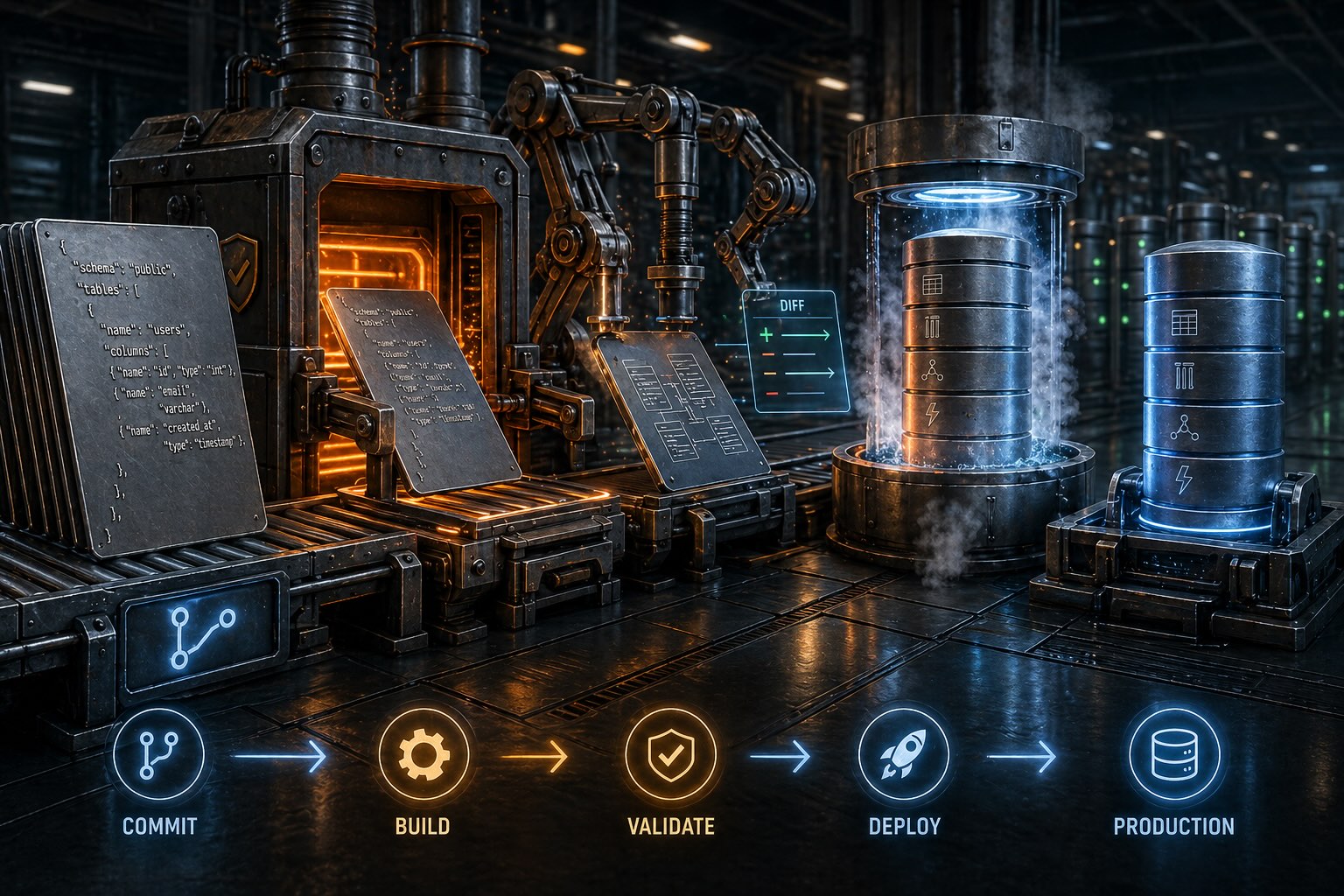
CI/CD pipeline automation with SchemaSmith

Why Automate Database Deployments?

Manual database deployments are error-prone, slow, and difficult to audit. By integrating SchemaSmith into your CI/CD pipeline, you gain:

  • Consistency - Every deployment follows the same process, eliminating human error
  • Speed - Database changes deploy alongside application code automatically
  • Auditability - Full history of what changed, when, and by whom in source control
  • Rollback capability - Revert to any previous state using your version control system
  • Environment parity - Dev, staging, and production stay synchronized

SchemaSmith CLI Basics

SchemaSmith deployments require two things in your CI/CD environment:

  1. SchemaQuench binary - The CLI tool (from your artifact server or network share)
  2. Schema package - A directory or zip file containing Product.json, templates, table definitions, and scripts. See the Schema Packages reference.

Every SchemaSmith setting can be injected through environment variables — the tools are pipeline-native from the start. The convention: prefix with SmithySettings_ and use double underscores (__) to represent nesting in the configuration hierarchy. SmithySettings_SchemaPackagePath points SchemaQuench at your schema package, either a directory or a zip file (no extraction needed).

REM Point at a schema package (directory or zip)
set SmithySettings_SchemaPackagePath=C:\artifacts\schema-package.zip

REM Run deployment
schemaquench
# Point at a schema package (directory or zip)
export SmithySettings_SchemaPackagePath=/artifacts/schema-package.zip

# Run deployment
schemaquench

Build/Deploy Model

Build: Package Your Schema

Check out your schema packageProduct.json, templates, table definitions, and scripts — and zip it into a versioned artifact using standard CI tooling. The package is the artifact: no compilation, no transformation, no intermediate format. Store the resulting file (e.g., schema-package-1.4.2.zip) in your artifact repository for retrieval during deploy stages.

Deploy: Apply to Database

Download the versioned schema package and point SchemaQuench at it via the SmithySettings_SchemaPackagePath environment variable. SchemaQuench reads directly from zip archives with no extraction step. See the pipeline examples below for platform-specific syntax.

Build and deploy are separate pipelines: you build and version the artifact once, then deploy that same artifact to each environment (dev → staging → production). This ensures every environment applies identical schema definitions.

Pipeline Examples

Select your CI/CD platform below. These examples show the deploy stage, pointing SchemaQuench at your schema package via SmithySettings_SchemaPackagePath. In production workflows, the package is a versioned zip produced by a separate build pipeline.

Jenkinsfile (Declarative Pipeline) Groovy
pipeline {
    agent any

    environment {
        // Point to zip file or directory - both work
        SmithySettings_SchemaPackagePath = '/opt/artifacts/schema-package.zip'
    }

    stages {
        stage('Deploy Schema') {
            steps {
                sh 'schemaquench'
            }
        }
    }
}

Note: SchemaQuench reads directly from zip files - no extraction needed.

.github/workflows/deploy-schema.yml YAML
name: Deploy Database Schema

on:
  push:
    branches: [main]
  workflow_dispatch:

jobs:
  deploy:
    runs-on: self-hosted
    steps:
      - name: Checkout schema package
        uses: actions/checkout@v4

      - name: Deploy Schema
        env:
          SmithySettings_SchemaPackagePath: ${{ github.workspace }}
        run: schemaquench

Note: Uses a self-hosted runner with SchemaQuench pre-installed. The checkout provides the schema package.

.gitlab-ci.yml YAML
stages:
  - deploy

deploy-schema:
  stage: deploy
  tags:
    - schemasmith
  variables:
    SmithySettings_SchemaPackagePath: $CI_PROJECT_DIR
  script:
    - schemaquench
  only:
    - main
  environment:
    name: production

Note: Uses a runner with SchemaQuench pre-installed. $CI_PROJECT_DIR points to the checked-out schema package.

azure-pipelines.yml YAML
trigger:
  - main

pool:
  name: 'SchemaSmith'

steps:
  - checkout: self

  - script: schemaquench
    displayName: 'Deploy Schema'
    env:
      SmithySettings_SchemaPackagePath: $(Build.SourcesDirectory)

Note: Uses a self-hosted agent pool with SchemaQuench pre-installed. The checkout provides the schema package.

Best Practices

Test in Dev First

Deploy to a dev environment that mirrors production's schema with scrubbed or synthetic data. Catches edge cases at realistic object counts without exposing production data. Review the log to confirm expected changes:

# Deploy and review logs
schemaquench

Use WhatIfONLY: true for manual review sessions when you want to preview changes without applying them.

Pre-Install on Runners

Drop the SchemaQuench binary onto each CI runner or agent once and add it to PATH — MSI on Windows, zip into /usr/local/bin on Linux. Pipelines stay clean, you skip the download on every run, and install matches your existing runner provisioning.

Self-contained executable — no .NET SDK, no runtime, no package manager plugins.

Per-Environment Config

Deploy the same schema package to every environment. Per-environment values — server, credentials, script tokens — come from your CI secret store as env vars. SmithySettings_Target__Server changes from db-staging-01 to db-prod-01 when you promote; every other setting stays constant.

Same artifact deploys to every environment — only env vars change.

Never Commit Secrets

Store connection strings and credentials in your CI/CD platform's secret management:

  • Jenkins: Credentials Plugin
  • GitHub: Repository Secrets
  • GitLab: CI/CD Variables (masked)
  • Azure DevOps: Variable Groups / Key Vault

Use environment variables or file injection at runtime.

Pro Tip: Validate Before Deploying

Wire up JSON Schema validation when you zip your schema package — it catches structural problems before the first database call. The SchemaSmith demos include JSON Schema files for Product.json, Template.json, and table JSON files that you can use with tools like ajv, along with a sample GitHub Action for CI validation.

Pro Tip: Resume After a Failed Run

SchemaQuench records a checkpoint after each completed step. If a pipeline deployment trips partway through — a network blip, a lock timeout, a bad data row at step 14 of 20 — re-run with --ResumeQuench and it skips everything already applied, resuming at the first incomplete step. Checkpoint files are cleared automatically on clean runs. Leave the flag off for pipelines that rebuild databases from scratch every run.